
 8Hours ago
The original version of ProPush AI Assistant generated landing pages using tested Constructor templates. Users could edit the text, replace visuals, and adapt pages for different GEOs, while the overall layout came from our ready-made template collection.
But what if you have a particular design in mind and want your landing page to match it? Now that's possible!
When fine-tuning a page, you can upload a reference image directly into the chat. AI Assistant will use it to make your landing page look as close to the reference as possible.
How It Works
You still begin by selecting one of our templates. The new option becomes available during the fine-tuning stage: just upload an image and ask AI Assistant to adjust the page accordingly.
Let's say you already have a creative that performs well and want your landing page to match its look. You select the template that fits your needs. Instead of going through multiple rounds of small edits to achieve the desired result, you can simply show AI Assistant what you have in mind.
Add your image, describe what you want, and AI Assistant will rework the template to bring it as close to your reference as possible.
AI Assistant will recreate the page in its own way, taking your reference and ProPush policy into account. This means the final result won't be a pixel-perfect copy. The ability to place your exact image is coming soon.
What this gives you:
The visual style you're after. Your landing page follows the colors, layout, and mood of your reference, helping it match your ad.
Fewer revision rounds. Showing is faster than describing. One image can convey a visual style more clearly than five text prompts.
Monetization stays intact. Your page is still built on a Constructor template, so AI Assistant adds the monetization zone just as before. You can manage it through your account as usual.
How to Create a Landing Page
1.Open Constructor and start a conversation with AI Assistant.
2.Select the template that best matches your needs and let AI Assistant generate the page.
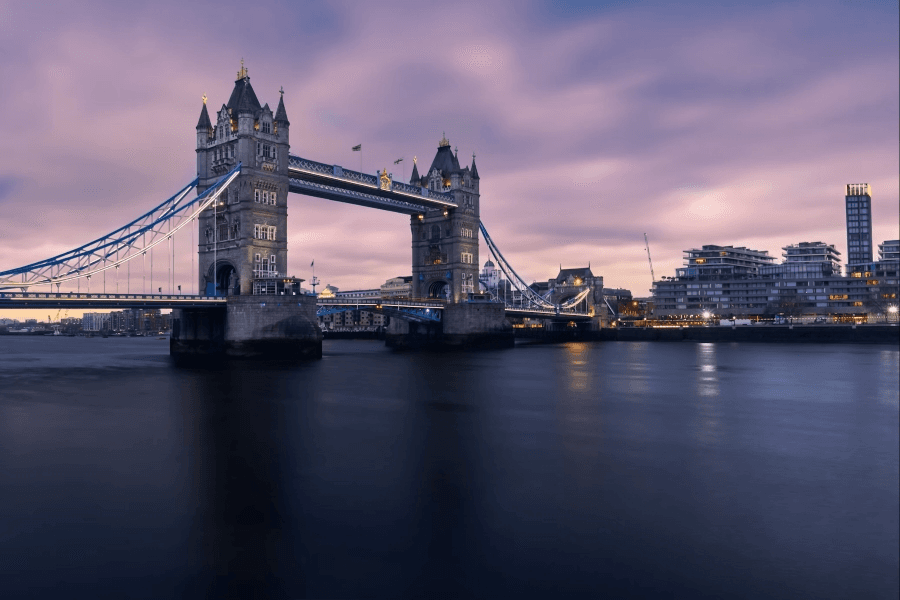
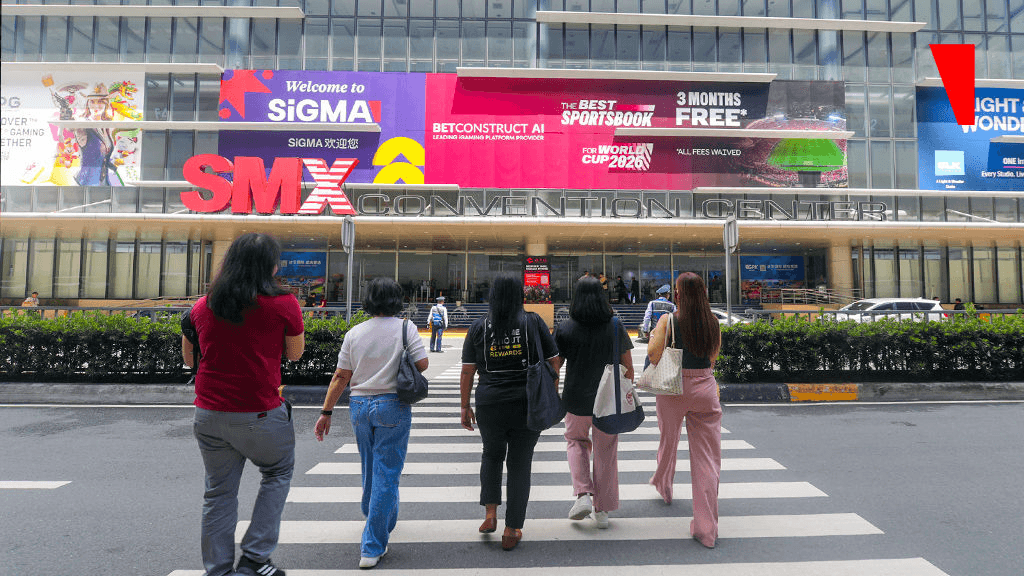
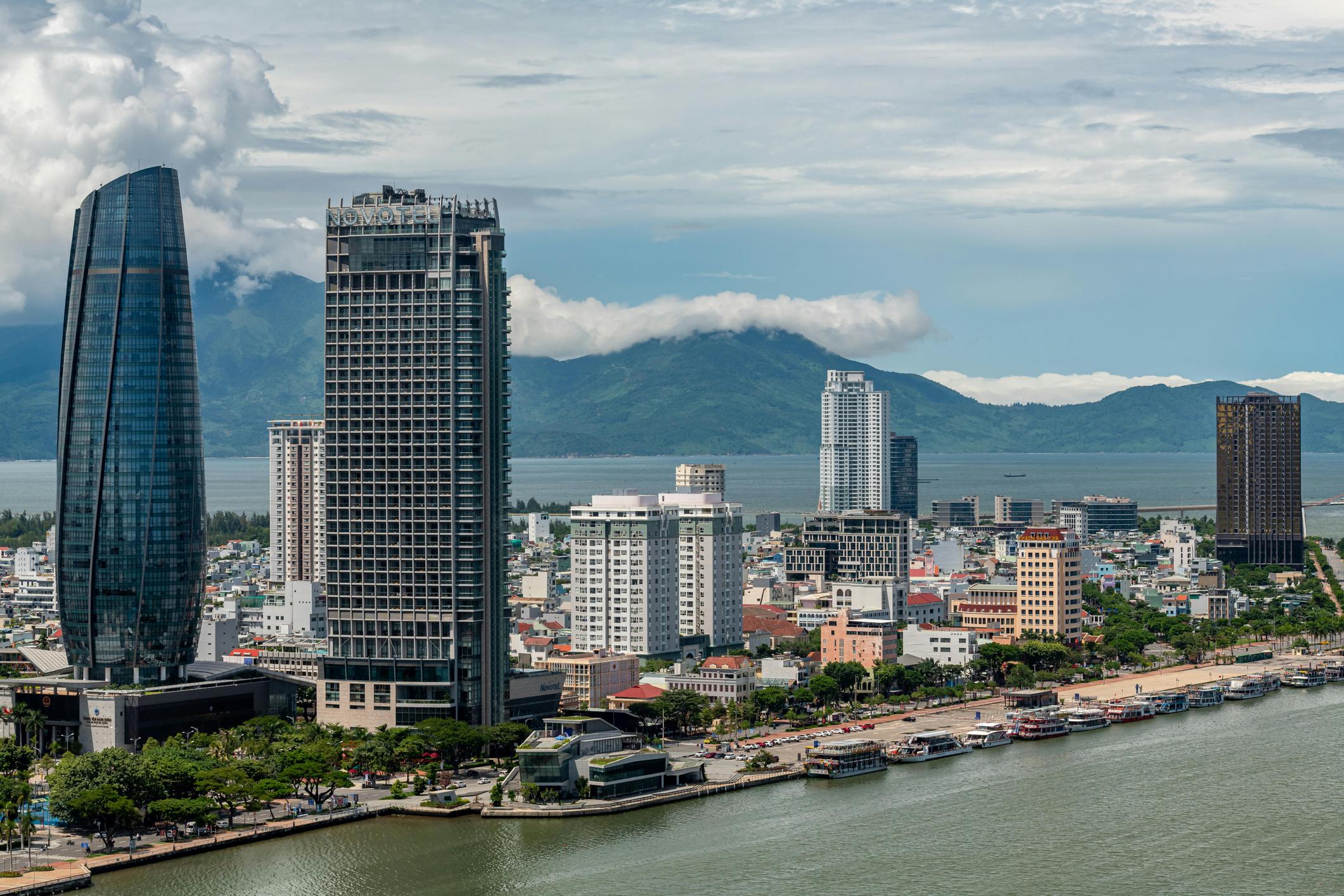
3.Upload a reference image. It can be your creative, a screenshot of a layout you like, or a rough mockup.
4.Explain what you want AI Assistant to do. For example: “Make this page look like the image.”
5.Check the generated page. Ask for changes in plain language until you're happy with the result, or make adjustments manually.
6.Download the archive with monetization already included, upload it to your domain, and start sending traffic.
Already have a creative that works well? Pick a template, share your image with AI Assistant, and see how closely it can match your reference.
New to ProPush.me? Sign up and request Constructor access.